
How to Connect an AI Agent to Messaging Platforms
Summary
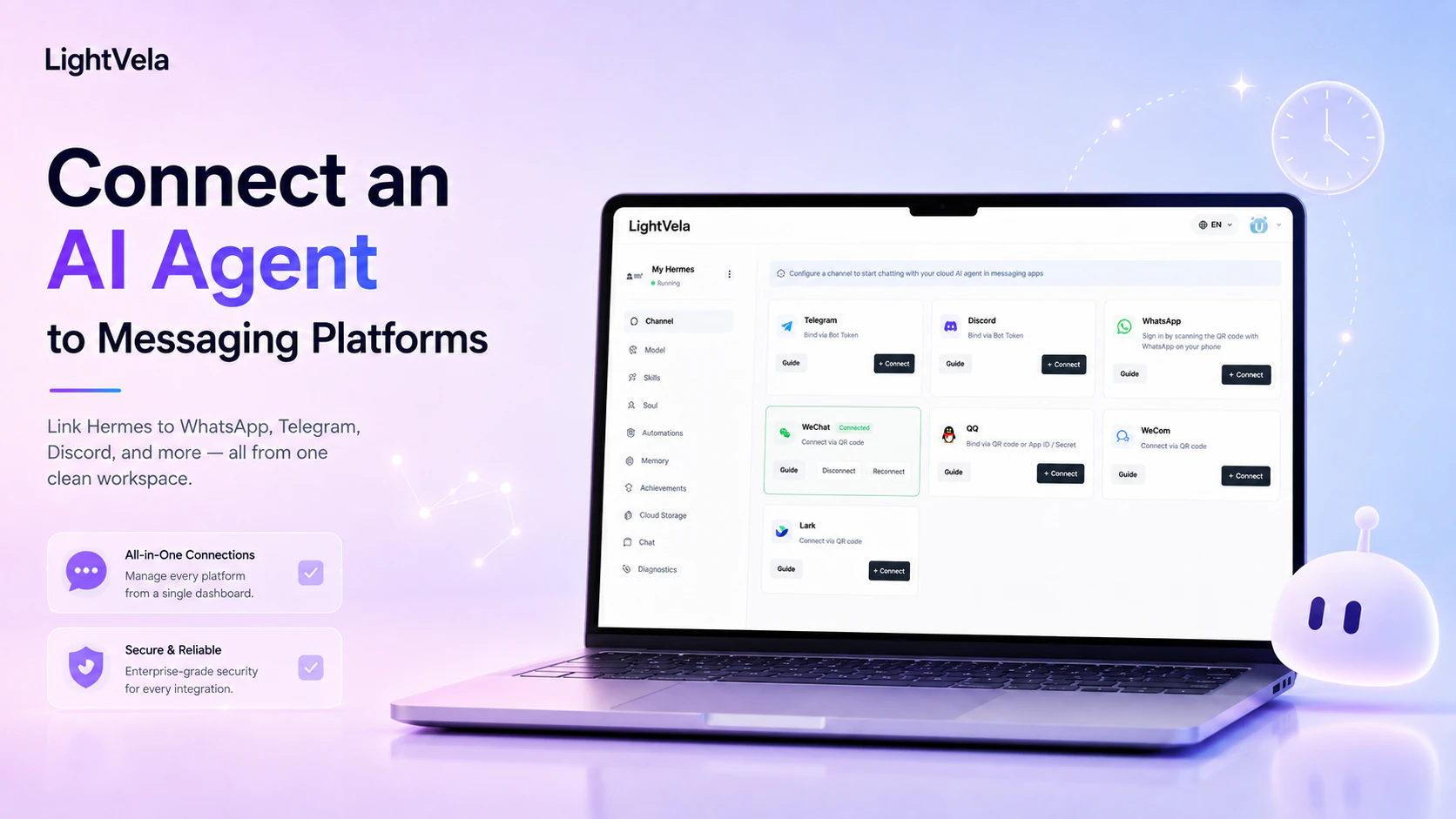
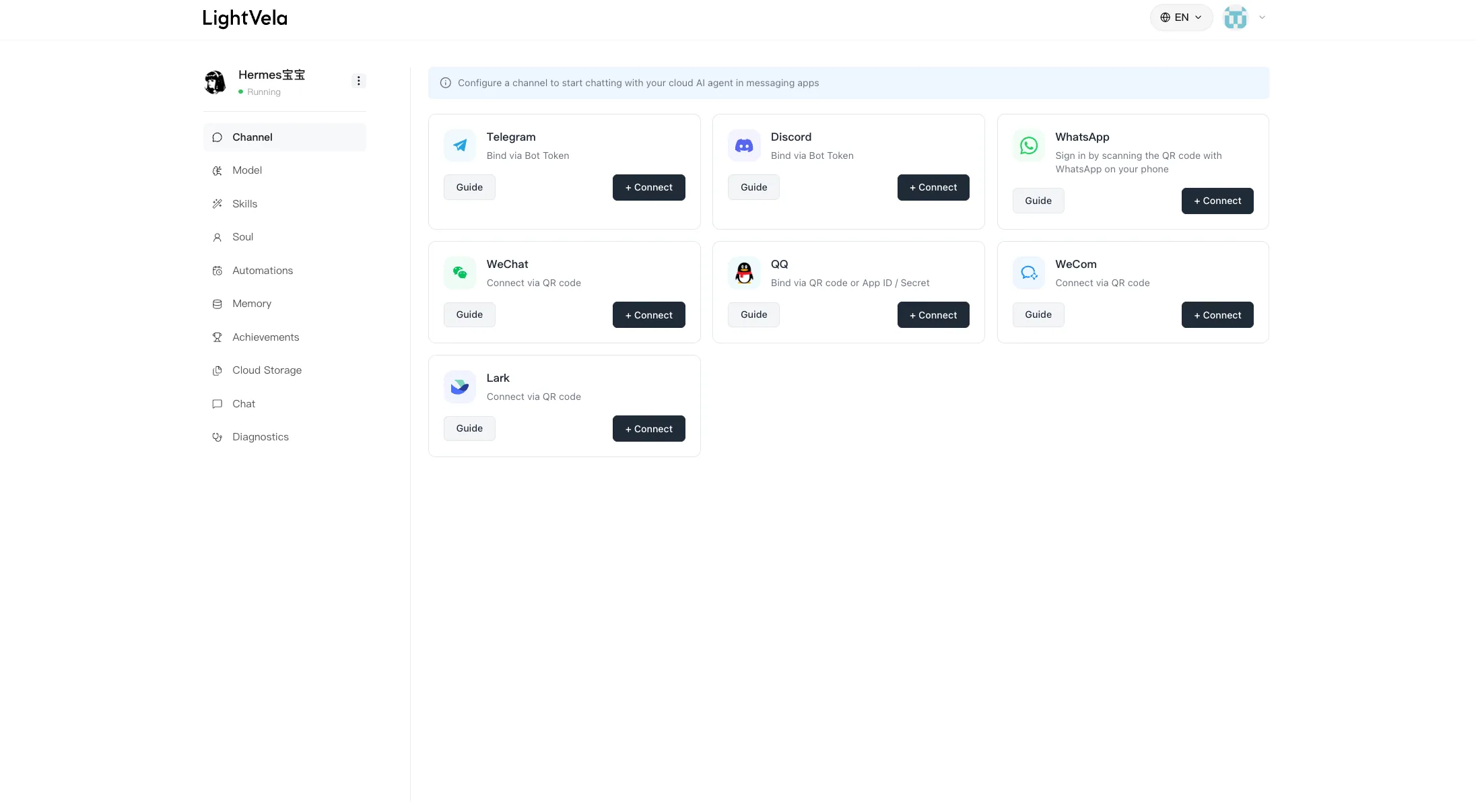
Connecting a Hermes Agent to messaging platforms rests on one idea: channels are entry points, and the Agent is the thing that works. One cloud Agent shares the same model, skills, and memory across every connected channel, so there is no need for a separate bot per platform. The flow has four steps: confirm the channel is available in your region (the global region supports Telegram, WhatsApp, Discord, Slack, WeChat, QQ, WeCom, and Lark; the China region supports WeChat, QQ, WeCom, Lark, and DingTalk); complete authorisation on the platform side to obtain credentials; connect in the console and confirm the channel shows as connected; then send a test message and verify the reply lands in the same conversation you messaged from. Credentials are sensitive - never write them into long-term context or paste them into chat.
Who this is for
This guide is for anyone who wants to talk to Hermes from a messaging app rather than only from the web console. It also helps if you want one assistant available in more than one place - for example, Telegram for personal use and Discord for a community.
Start with one channel. Add another only when it serves a distinct context, audience, or device habit.
Prerequisites
-
A LightVela account with a Hermes Agent that is running. Use the Quickstart if you need to create one.
-
A working model configuration or trial credits, so Hermes can reply after the channel is connected.
-
Access to the platform you want to connect. Some platforms use a QR-code authorization flow, while others require a bot token or platform credentials.
-
A test message you can send as soon as setup finishes.
Steps / key concepts
1. Choose the channel that matches the conversation
Choose based on where you will actually use the assistant, not on how many platforms you can connect. Telegram, WhatsApp, Discord, Slack, and WeChat are common options:
| Channel | A good fit for |
|---|---|
| Telegram | Personal messaging, lightweight routines, and direct conversations |
| Everyday communication and notifications where WhatsApp is already your default | |
| Discord | Communities, developer groups, and organized discussion spaces |
| Slack | Team collaboration, workspace notifications, and channel workflows |
| Personal conversations for people who use WeChat every day |
LightVela also provides setup pages for other supported channels. The Channel page in the console is the source of truth for what is currently available to your Hermes Agent.
2. Complete the platform-specific connection flow
Open the Channel area in the console, select the platform, and follow its authorization or credential flow. Use the corresponding guide rather than copying credentials from an unrelated platform:
Treat bot tokens, application IDs, and secrets like passwords. Do not paste them into a group chat, public document, or message to another person. If a credential is exposed, rotate it in the platform that issued it before reconnecting Hermes.
3. Verify the connection with a simple conversation
After the console shows the channel as connected, find the bot or conversation in that platform and send a short message:
Hi Hermes. Please reply with the channel you received this from.This checks the full path: the platform can deliver a message, Hermes has a working model, and the reply can return to the same place. If it does not work, check the connected status first, then confirm the active model in Configure Models.
4. Decide what should remain shared across channels
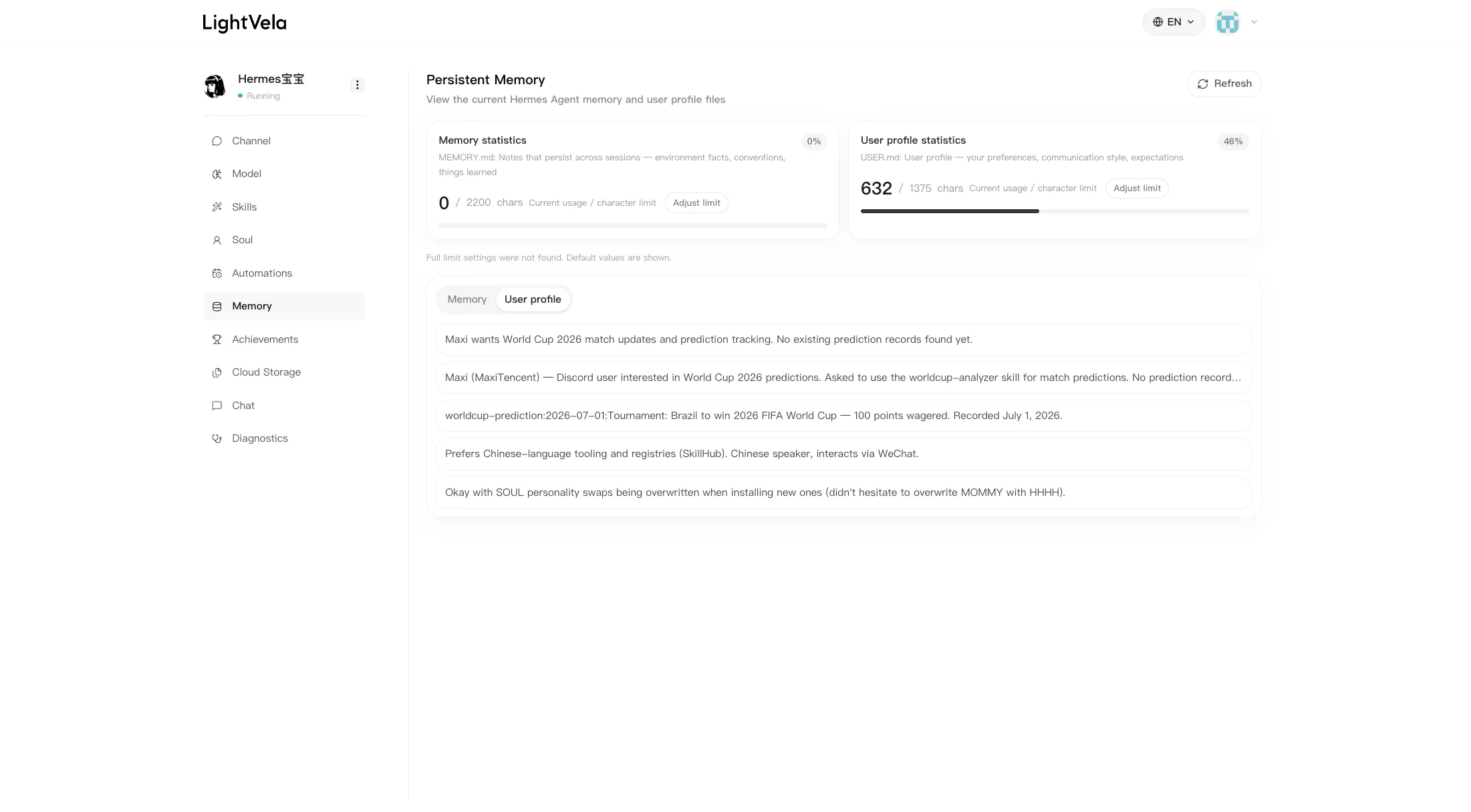
When more than one channel connects to the same Hermes Agent, they are different doors into the same assistant. That means the Agent can keep the same memory, working preferences, and installed skills across supported channels.
Use Memory Management to review the long-term context you want Hermes to retain. If one channel is for a different audience or needs a very different role, consider keeping the use case separate instead of mixing unrelated expectations into one conversation history.
If Discord is the channel you want to use for a community, continue with Meet LightVela for Discord: Your AI Agent Discord Bot Serving Your Channel.
FAQ
Can I connect several messaging platforms to one Hermes Agent?
Yes. Supported channels can point to the same Agent, which lets you reach it from more than one messaging app while preserving the same configured behavior and memory.
Which channel should I connect first?
Choose the one you already use most often. A personal assistant is more likely to become useful when the first message is easy to send. Telegram, WhatsApp, Discord, Slack, and WeChat each have detailed setup guides.
Why does the channel show as connected but Hermes does not reply?
Send a simple test message, then check that an active model or trial credits are available. If the issue persists, reconnect the channel and use Diagnostics to review maintenance options and recent logs.
Can I share one bot credential across multiple Hermes Agents?
Avoid doing so unless the platform and your intended workflow clearly support it. Keeping one credential attached to one clear purpose makes troubleshooting and access control much easier.
Next steps
-
Configure Models - confirm Hermes has a model ready to answer.
-
Memory Management - manage the context shared by your connected channels.
-
Scheduled Tasks - deliver scheduled updates to a connected channel when appropriate.
Last updated 2026-08-21